
LabelsOnSheets offers free software that cuts out much of the guesswork. You can pick from rectangles, squares, circles, or ovals and set exact measurements. This means no wasted space, no awkward gaps, and no misaligned prints. For small businesses, this saves money compared to ordering custom-printed sheets and keeps labels looking sharp without professional design skills.
If you’re comfortable with Microsoft Word, it’s a straightforward option for creating labels. The ‘Mailings’ tab provides ready-made templates and lets you enter specific label sizes easily. This feature gets overlooked but can save hours once you get the hang of it, especially if you already have Office installed. Just make sure to double-check your printer settings to avoid unexpected margins that throw off your layout.
On the other hand, design programs like CorelDraw and Adobe Illustrator give you more control if you want to get creative. These tools allow you to tweak every detail, from font choices to colour gradients and even layering elements. The learning curve is steeper though. It helps to start with a template and adjust from there, rather than building a label entirely from scratch. Also, exporting the final design in the right format for printing can trip people up if they’re not familiar with vector and raster file differences.
Food producers often face strict labelling rules while needing a label that catches the eye. Using paper sheet labels helps balance legal requirements with branding space. They can fit nutrition facts and ingredient lists neatly without sacrificing room for logos or promotional text. It’s common to measure the label area physically on the product before designing, to avoid surprises at the print stage.
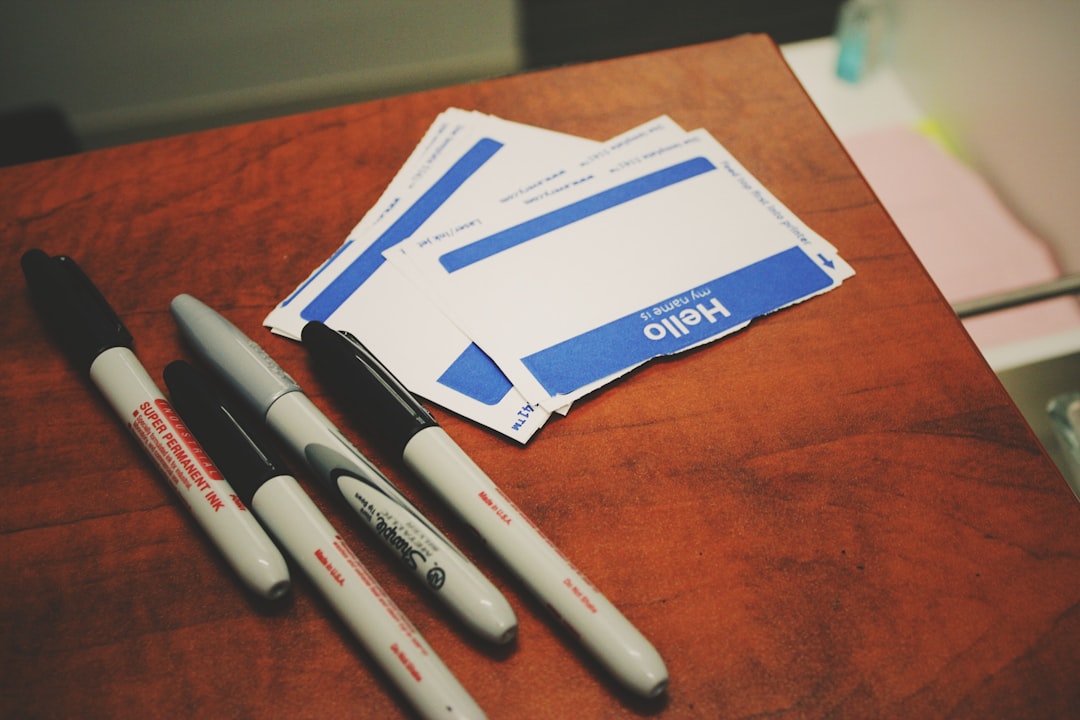
Event organisers also benefit from label templates when generating badges, table numbers, or directional signs. Bulk printing saves time, but it’s easy to mix up label sizes or forget spacing adjustments for different printers. Setting up a master template with consistent margins and double-checking test prints on scrap paper often prevents last-minute headaches.
Labels aren’t limited to text and images anymore. Adding barcodes or QR codes directly into the template is practical for stock tracking or marketing campaigns. The key is ensuring these codes are clear enough to scan after printing , which means avoiding overly glossy paper or very small sizes. It’s worth printing a sample label with the code and scanning it before doing a full run.
For businesses that want more options, it’s worth exploring tools beyond standard software. custom label printing advice provides tips on materials, finishes, and printer compatibility. Getting familiar with these details early avoids wasted labels and costly reprints. Simple habits like labelling your saved templates clearly and keeping notes on what worked best for each project help streamline future jobs.